

Approvals and notes
Hold a post until someone approves it, ask for changes, and leave notes on posts for your team.
Send a post for approval
Open Queue and find the post.
Click Send for approval. It now shows In review, and it won't publish.
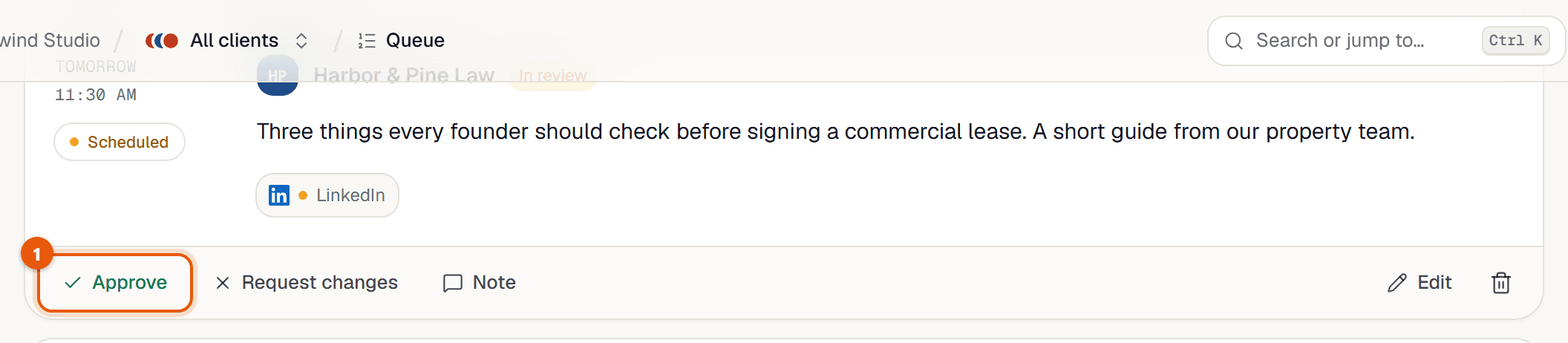
The reviewer clicks Approve to let it go out at its time, or Request changes to send it back.
After changes are made, anyone can click Approve.
- New posts start as approved. Review only starts when someone clicks Send for approval.
- Any member can approve, including the post's author.
- Posts waiting for approval are listed under Needs attention in the queue and on the dashboard.
Leave a note
In Queue, click Note on the post (it shows a count once there are notes).
Type in Add a note… and send. Up to 2,000 characters.
Related guides
Something here wrong or unclear? Email karan@trycue.space.