

Switch or create workspaces
Move between workspaces you belong to, or start a new one.
Switch
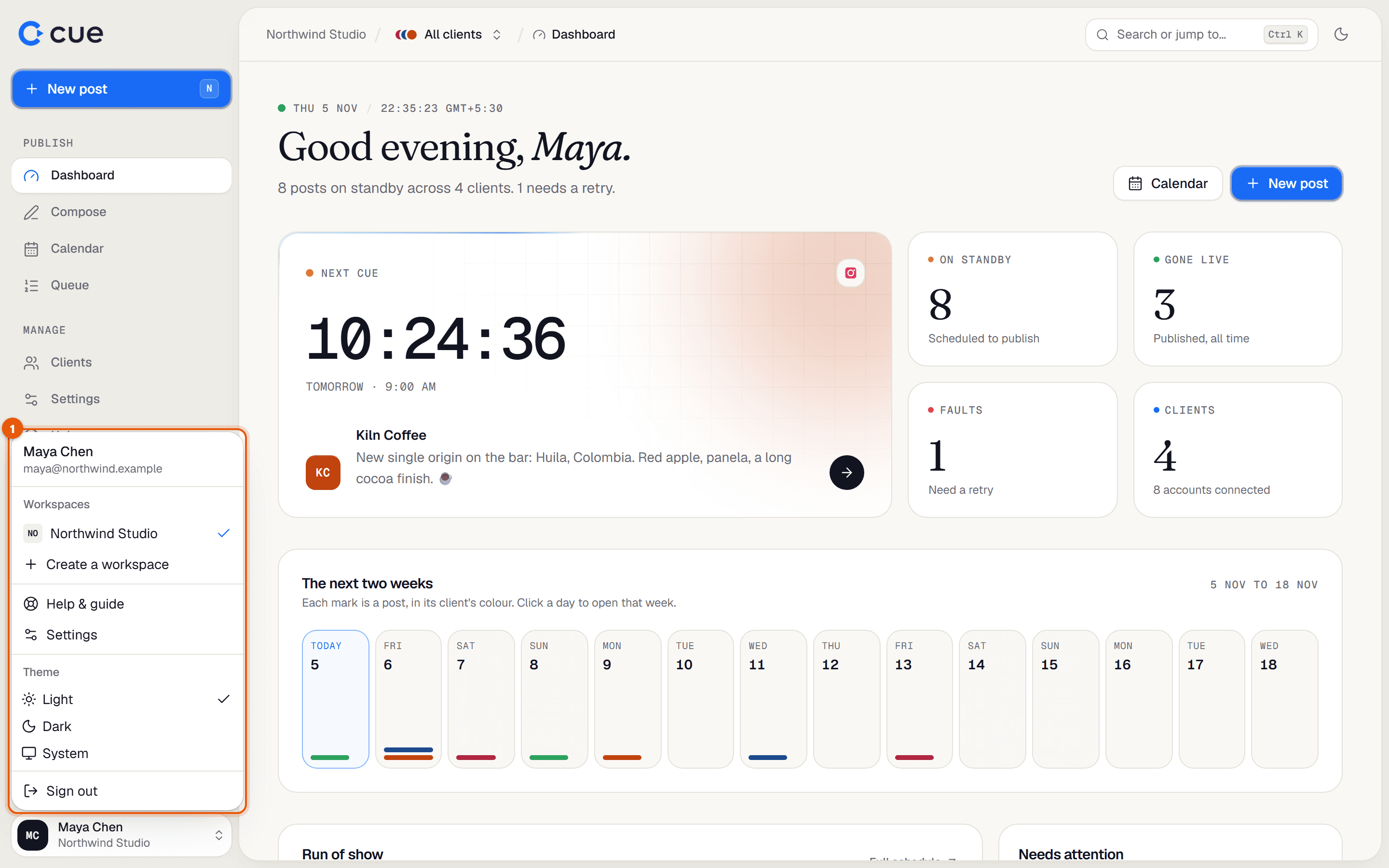
Click your name at the bottom of the sidebar.
Under Workspaces, click the one you want. The current one has a tick.
- Cue opens that workspace's dashboard and resets the client switcher to All clients.
- A greyed-out workspace marked Suspended can't be opened. Contact Cue support.
Create another workspace
Click your name at the bottom of the sidebar, then Create a workspace.
Type a Workspace name and click Create workspace.
Related guides
Something here wrong or unclear? Email karan@trycue.space.