

Cue · Social media scheduling for agenciesEvery client.Every channel.On cue.
Cue helps social media managers plan, schedule and publish content for the clients they manage. Connect each client's LinkedIn, Instagram and YouTube accounts once, then run every brand from one calendar instead of logging in and out all day.
Sign in with a one-time code. No password to remember.
- 08:30Fernwood CoffeeThe Guji is back. Blueberry, jasmine, long finish.Standby
- 09:00Atlas ArchitectureRiverside Library: designing for daylightStandby
- 10:15Pulse Fitness20-minute full-body circuit, no equipmentStandby
- 12:00Verdant PlantsMeet the ZZ plant, the easiest housemateStandby
- 14:30Orbit LabsWe just open-sourced our telemetry pipelineStandby


- LinkedIn: text, images, galleries, documents, links, polls◆
- Instagram: images, carousels, Reels◆
- YouTube: videos with title, tags, category and visibility◆
- A workspace per client◆
- Approvals and notes◆
- One calendar for the whole roster◆
- Connection health alerts◆
- An API with idempotent writes◆
Fifteen clients. Three networks. Forty-five logins, a shared spreadsheet, and a reminder at 6:59 for the post due at seven. Cue swaps all of it for one calendar that calls every post for you.
The whole roster, at a glance.
This is the real interface, running on sample data. Click around: everything works, and nothing you do here leaves your browser.
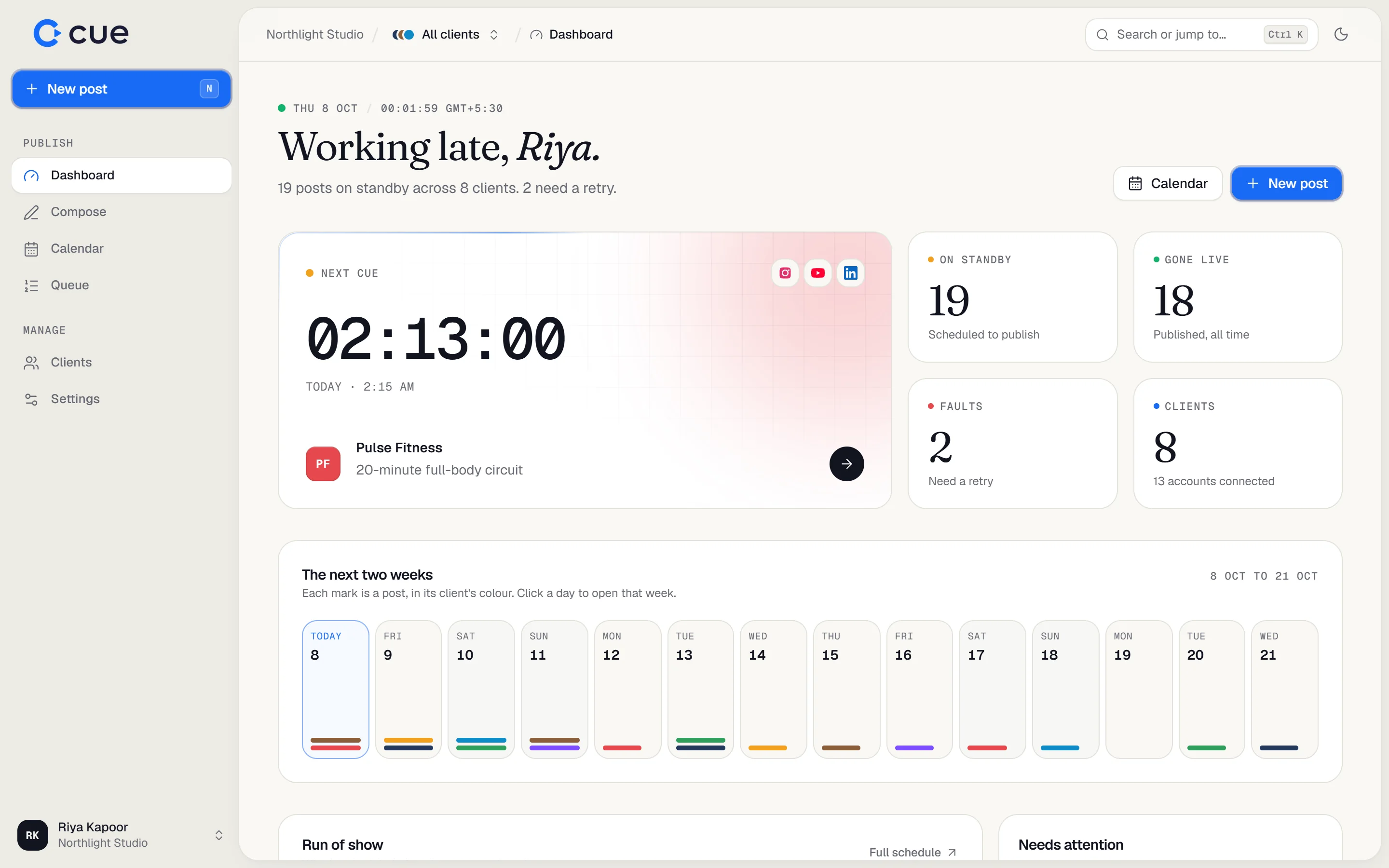
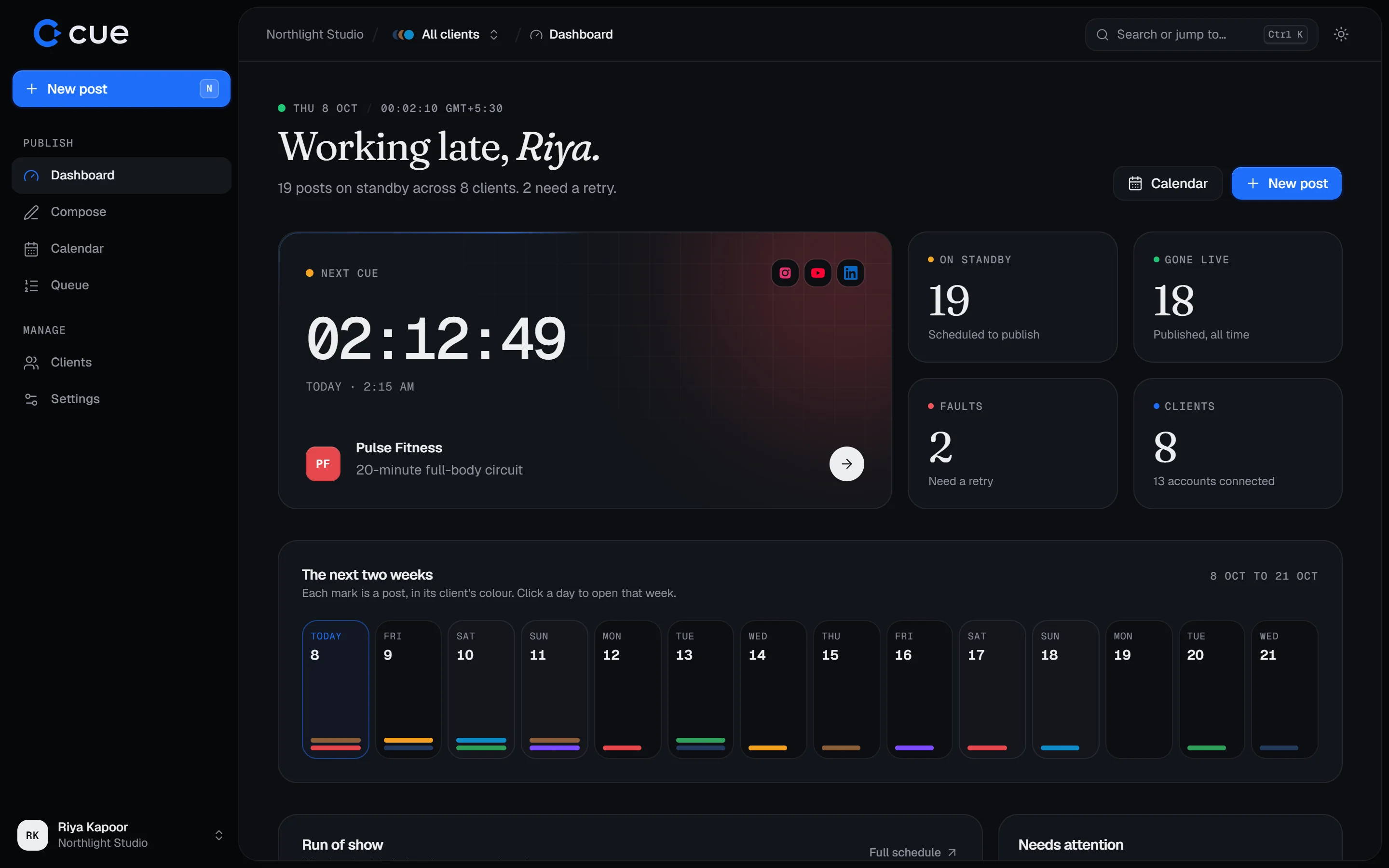 Open this page on a larger screen to try the live demo.
Everything a post needs before it goes out.
Try them: these are working pieces of the product, running on sample data.
Write once, tailor per network
Draft a caption and see it the way LinkedIn and Instagram will show it, then adjust each before it ships.
Riverside Library opens Monday. One roof, eighty skylights, and daylight at every reading table. We spent two years shaping a building you can read in all afternoon without switching on a lamp. Come…

A workspace per client
Accounts, colours and calendars stay apart, so nothing lands on the wrong brand.
- @fernwoodcoffee Connected
- Fernwood Coffee Connected

Approvals built in
Send a post for review, trade notes, and publish only once it's signed off.
Free health screenings at all three clinics this October. Book in under a minute.
Know what's next
A live countdown to the next post, for one client or the whole roster.
An API for your pipelines
Create and schedule posts from scripts and automations with a workspace key. Retries are safe with an idempotency key.
curl -X POST https://trycue.space/api/v1/posts \-H "Authorization: Bearer $CUE_KEY" \-H "Idempotency-Key: shorts-0142" \-d '{"clientId": "cmh8…","accountIds": ["cmh9…"],"body": "New drop, 6pm.","action": "schedule","scheduledAt": "2026-10-09T18:00:00+05:30"}'
A show in three acts.
Connect once, plan as far ahead as you like, and let Cue run the night.
- IAct I · Connect
The account owner says yes, once.
Each client signs in on LinkedIn's, Instagram's or Google's own consent screen and authorises Cue. You never handle a password, and access can be revoked any time.
Official consent screens- LinkedInAtlas Architecture
- Instagram@fernwoodcoffee
- YouTubePulse Fitness
- IIAct II · Compose
Write it, preview it, pick a time.
Attach images, a video or a document, tailor the caption per network, and see each preview before it ships. Send it for approval when a client wants a look first.
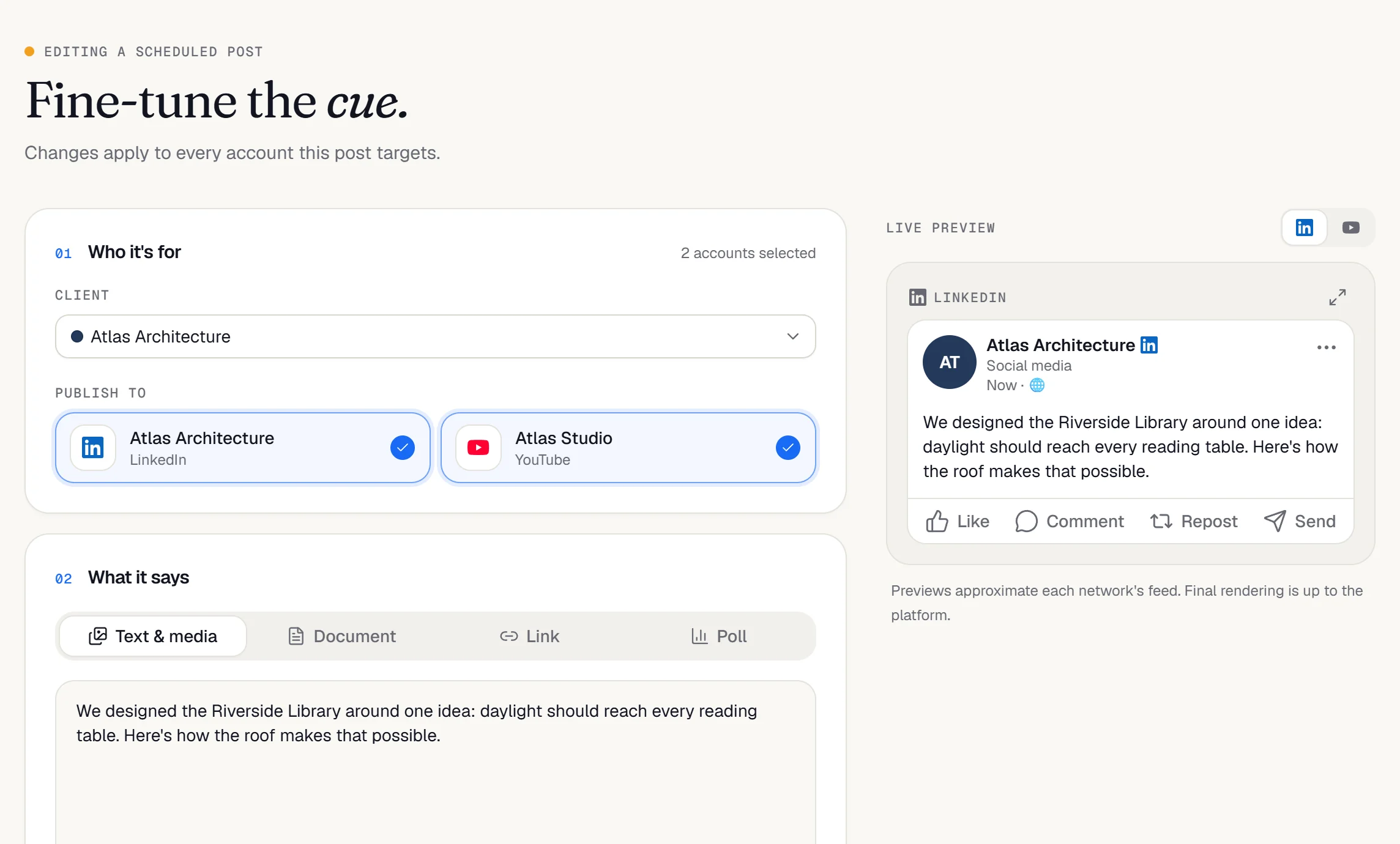
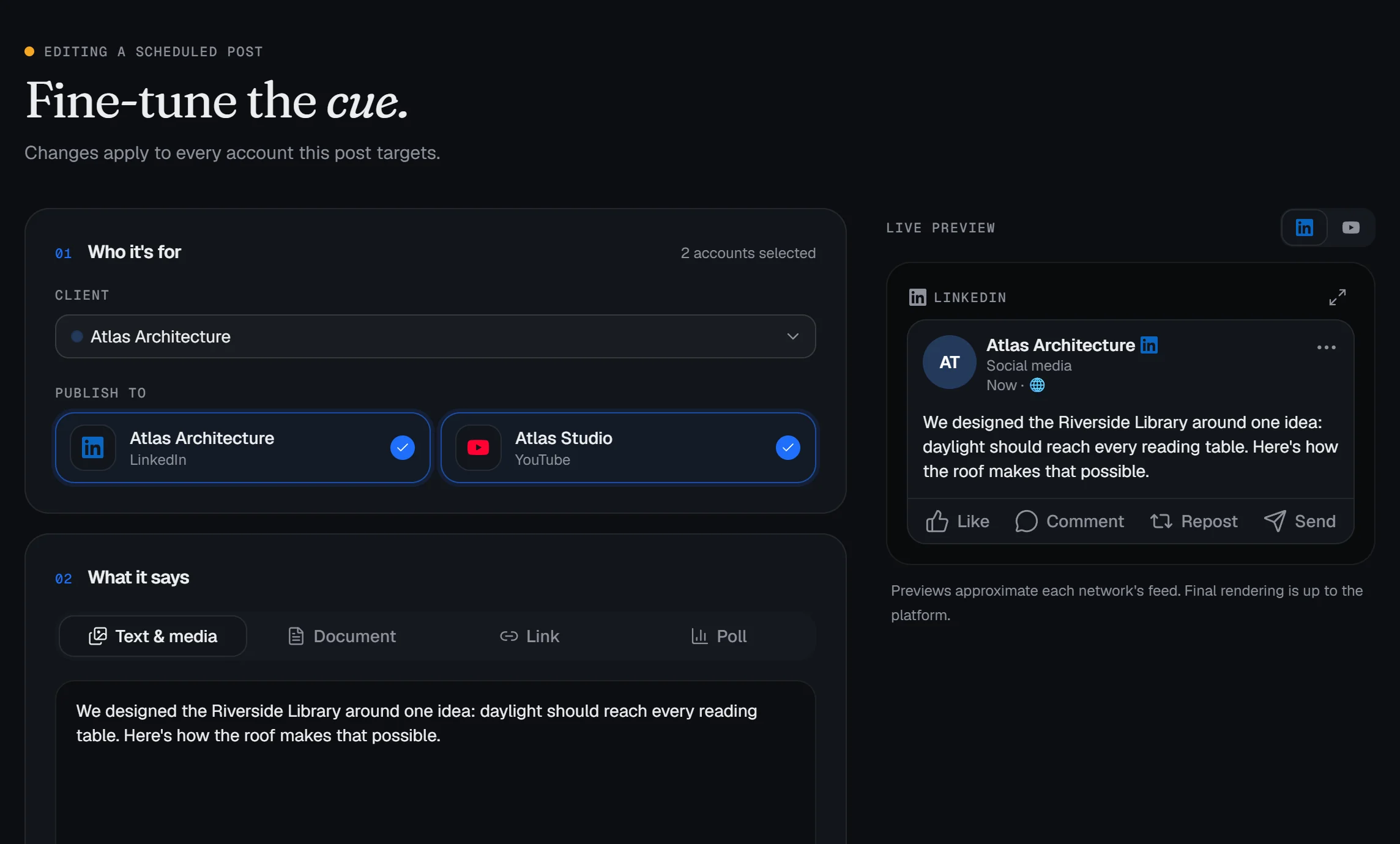
Live: pick a client, edit the caption, and schedule it.
- IIIAct III · Cue
Cue calls it. You get the link.
When its time comes, Cue publishes to every connected account and records the result and the live link. If a network says no, you see why and retry in one click.
Publishing log · Today4 cues- 08:30Fernwood CoffeeThe Guji is back. Blueberry, jasmine, long finish.Standby
- 09:00Atlas ArchitectureRiverside Library: designing for daylightStandby
- 10:15Pulse Fitness20-minute full-body circuit, no equipmentStandby
- 12:00Verdant PlantsMeet the ZZ plant, the easiest housemateStandby
The networks your clients actually use.
Connected through each platform's official API, with the formats each one supports.
Personal profiles
- Text posts
- Single images and multi-image galleries
- Documents as swipeable carousels
- Link previews with your own title
- Polls
Business and Creator accounts
- Single images
- Carousels
- Reels
YouTube
Channels
- Video uploads
- Title and description
- Tags and category
- Public, unlisted or private

In theatre, nothing moves until the cue is called.
A stage manager watches the clock and calls every light, sound and curtain at the right moment, so the performers never have to. Cue does that job for your content. You plan the show; each post waits on standby until it's time to go.
Built on the networks’ official APIs.
Read exactly what Cue stores and how to remove it in the Privacy Policy and the data deletion guide.
Official consent screens
Accounts connect through LinkedIn's, Meta's and Google's own sign-in. Cue never sees a password.
Encrypted tokens
Access tokens are encrypted at rest and used only to publish what you schedule.
Disconnect any time
Remove an account in one click, or revoke Cue from the network's own settings.
Passwordless sign-in
Your team signs in with a one-time code sent by email. Nothing to leak or reuse.
Take your cue.
Set up a workspace, connect your first client, and put next week on the sheet.